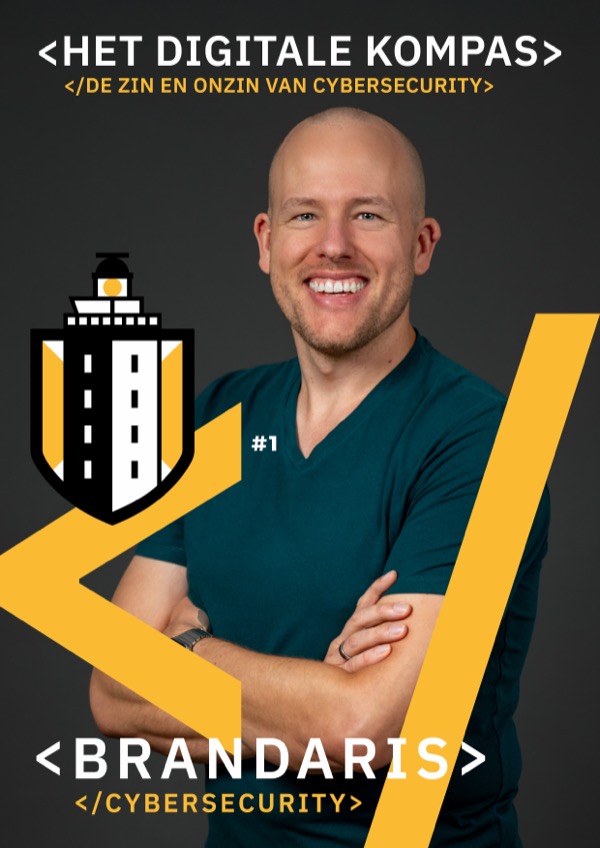
Cybersecurity has an image problem. For some it is a technical headache, for others something that will never happen to them. Meanwhile, stubborn myths keep many organisations unprotected. In The Digital Compass we list the most important ones. Here they are, with what is actually true.
Myth 1: “We are too small for hackers”
Perhaps the most common argument, and the riskiest. Cybercriminals do not distinguish by size. They go for the easiest prey.
Most attacks are not aimed at one specific organisation. Criminals use bots that automatically look for weak spots and attack as soon as they see a chance. Whether you have ten employees or ten thousand: if you have a hole, you will be found.
Small organisations are often hit precisely because their security is not in order. They are the digital version of a house without a lock on the door. Or they are the stepping stone to their larger clients.
Myth 2: “Our IT person takes care of it”
A good IT person matters. But cybersecurity is not a task for one person, it is a responsibility of the whole organisation. And it is worth checking whether your contract with your IT provider actually covers cybersecurity, or whether it quietly remains your own responsibility.
Most successful attacks do not happen through technical weaknesses, but through human error: weak passwords, a click on a phishing link, sensitive data sent to a private email address. IT can keep systems up to date, but if the rest of the organisation does not cooperate, it is like mopping with the tap running.
Myth 3: “Cybersecurity is too expensive and too complicated”
Most attacks could have been prevented with simple and inexpensive measures. A password manager, two-step verification and software that updates automatically cost next to nothing, but make a huge difference.
The cost of an attack, such as lost revenue, fines and reputational damage, is always higher than the investment in prevention. Which basic measures pay off most, you can read in 5 actions that really work.
Myth 4: “A VPN keeps me safe”
There are many VPN providers, but they offer no more privacy than your regular internet provider. A VPN can be handy for watching your own streaming service on holiday, but it adds little security.
A VPN means the network you connect to sees less of your traffic. In return, that traffic goes to a provider that may be even less trustworthy. Especially if the service is free.
Myth 5: “Public wifi gets you hacked in no time”
You are often warned not to work on public wifi, because someone could intercept your data. But for that an attacker practically has to sit next to you, and criminals only take that risk for an interesting target. For most people, public wifi is not a big risk. If you are an attractive target, you need other measures.
Myth 6: “The same password everywhere is fine, I am not interesting anyway”
The wildest stories go around about passwords. But only two things really matter: the length of the password, and that it is unique. Put your passwords in a password manager, or in a notebook if need be. That is still better than the same password everywhere.
You only need to change a password when there is a reason, for example after a data breach or a suspected incident. More on this in A password policy that actually works.
Myth 7: “With MFA I am 100% secure”
Two-step verification (MFA) gives your accounts much more protection, but can never guarantee to stop an attack. There are phishing-resistant forms, such as passkeys, where the website is checked too. That does take a few more steps. So MFA certainly adds value, but it is a myth that it makes you untouchable. Also read why MFA is important, but knowledge is even more important.
What does work
With the right basic measures you prevent the vast majority of attacks. You do not need to be an expert, you just need to make sure the basics are in order. Want to know where you stand? Take the free Cybercheck: ten questions, with an instant overview of your first steps.
More in The Digital Compass
This article is based on the first edition of The Digital Compass, our free magazine on the sense and nonsense of cybersecurity (in Dutch). It also explains how cybercriminals work, how ransomware and phishing unfold, and includes a checklist to assess your own organisation.